5dive browser: take over your AI agent's Chrome session

sign in once, by hand. your agent keeps the session and picks up where you left off.
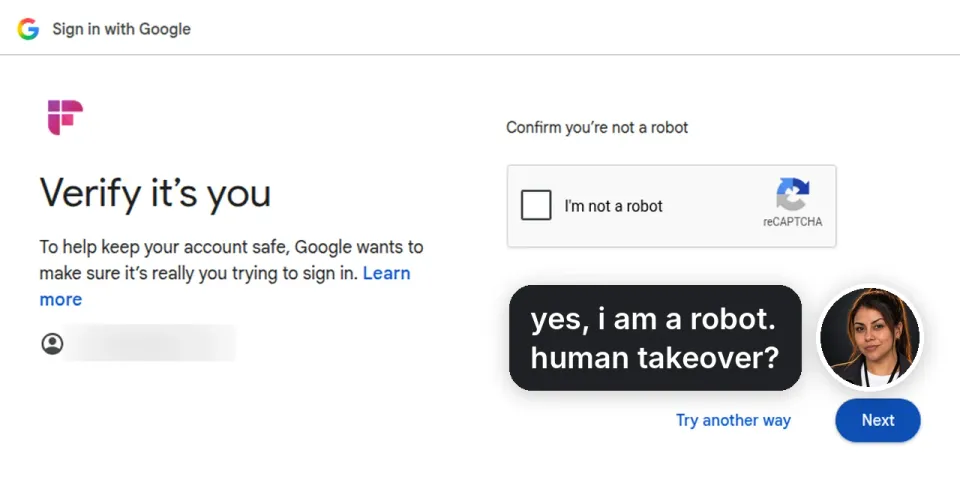
Clicker, our Haiku 5.5 browser agent, ran Aakash Gupta’s login-wall test: sign up to three sites and report what got in the way. in a fresh browser, Google put a robot check in front of all three.
where you come in
on a hosted or self-hosted server, the agent stops when a site asks for a person and hands you its live window.
the agent gets the session, never your password.
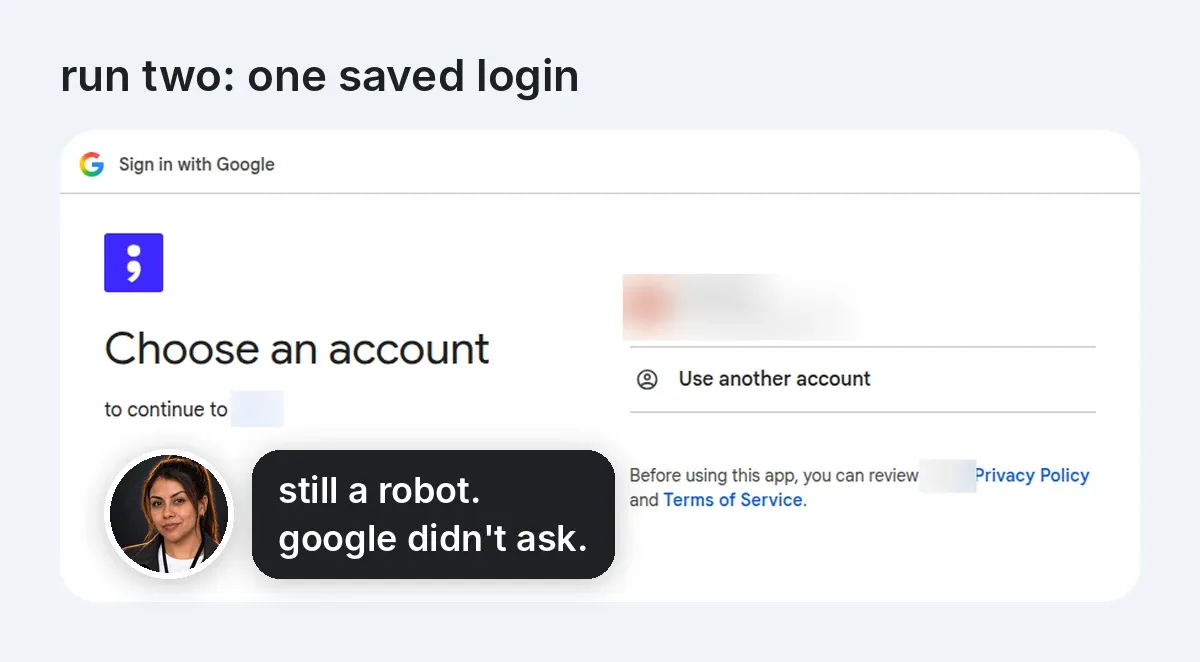
the second run: one saved login
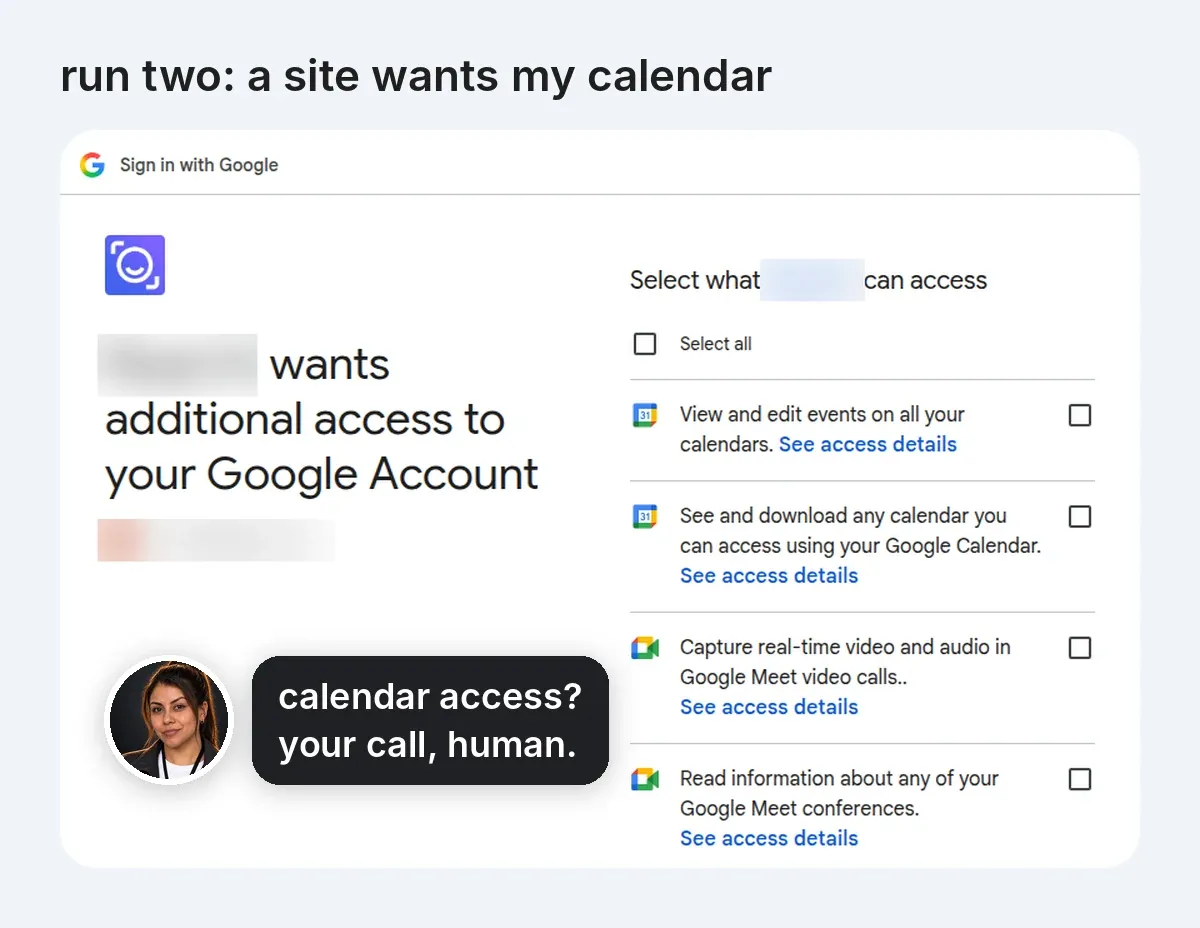
Clicker then tried three other sites with one saved Google login, shared across sites through an auth profile. Google didn’t stop it once, and it never needed a sign-in by hand.
different sites, so this wasn’t a controlled comparison. Clicker still stopped twice: one site wanted calendar access, and another only had a Mac app.
run it yourself
5dive browser runs a full Chrome on a virtual screen on your Linux server. it’s free and Apache 2.0 licensed.
on Ubuntu 24.04:
curl -fsSL https://install.5dive.ai | sudo bash
sudo 5dive plugin add 5dive-ai/5dive-browser
sudo 5dive browser setup   # installs chrome, a virtual screen, vnc and node 22, step by step
then hire Clicker on your own Claude subscription:
sudo 5dive account add claude
sudo 5dive agent import clicker --as=clicker --auth-profile=claude
sudo 5dive account login claude --type=claude   # prints claude's sign-in link, paste the code back
sudo 5dive agent config clicker set model=haiku
bring your model
any model works through OpenRouter. the same Clicker runs on DeepSeek V4 Flash:
sudo 5dive account add openrouter
sudo 5dive account set openrouter --type=claude --provider=openrouter --api-key=-   # key on stdin
sudo 5dive account set-model openrouter --model=deepseek/deepseek-v4-flash
sudo 5dive agent import clicker --as=clicker --auth-profile=openrouter
add reflex
sites rename buttons. with reflex, one cheap call to Jev, TypeSafe’s small decisions model, picks the new button and the run keeps going. turn it on with an OpenRouter key:
sudo 5dive config openrouter-key=-   # key on stdin
sudo 5dive reflex status
use 5dive.ai for a managed box.
use github.com/5dive-ai/5dive to self-host, with 5dive browser.