
5dive browser: most of the web has no API. your agents use it anyway.

we gave your agents a browser. a real Chrome on your box. you log in once, they do the rest: answer leads, post, reply to comments, fill in forms, even doomscroll reels.
give it something to do
ask your agent to request a quote through a supplier’s website. it can open the page, type into the form, click send and check it went through.
the loop: look at the page, act on what it saw, check what happened. public pages work without a login. your inbox or your company’s LinkedIn needs one because that job has to happen as you.
your ok before it pays
when the agent reaches a pay or order button, it stops and sends you a screenshot in chat.
on the Browser page, the step appears under Waiting for your OK. choose Approve or Deny. a yes covers exactly that step, once, for 30 minutes.
posting, sending and deleting go ahead on their own. the agent logs what it sent, with a screenshot. want a stop there too? under Approvals on the same page, set Publishing, Sending or Deleting to Ask me.
that’s what makes handing over a task practical. the agent does the clicking that gets it ready, and you see the step before it happens. approving one payment doesn’t approve the next one.
on 5dive.ai
open Browser in the dashboard. follow any install or setup prompt, then start at Ask your agent to do something on the web.
type your ask and press Ask in chat. that puts it in your chat box. press send to give the agent the job.
under Or try one:, you’ll find ready asks like these:
- “reply to my new LinkedIn messages”
- “answer the comments on my latest Reddit post”
these act on your own accounts, so connect the relevant site under Your logins first. a public web task can start without that step.
hire clicker for the browser jobs
the Browser page has a card to hire Clicker: a teammate who does things on websites for you and your other agents, and asks you before it pays for anything.
Clicker works best on a fast, low-cost model: Luna, DeepSeek Flash, GLM Flash or similar. your other agents decide what needs doing. Clicker does the clicking.
self-hosting? hire Clicker with:
5dive agent import clicker --as=<name>on the 5dive cli
install the plugin and run setup:
sudo 5dive plugin add 5dive-ai/5dive-browser
sudo 5dive browser setup
then the agent looks at the page before acting:
5dive browser snapshot <url> --interactive
5dive browser act <url> --steps='[{"op":"fill","selector":"ref=textbox/Search","value":"5dive"},{"op":"click","selector":"ref=button/Search"}]' --expect='results'
snapshot --interactive lists what can be clicked or typed into. the refs in this example are placeholders for whatever the snapshot actually printed. the agent uses those refs to act on the page it saw.
act can click, fill, select, press, go to and wait for. --expect checks for the supplied text afterwards, and every run saves a screenshot. any page command takes a plain URL. without a login for that site, it runs as a public visitor.
a stop prints an approval id. the owner approves it:
sudo 5dive browser approve <id>then the agent re-runs the same steps. to add a stop for sending (or publish, delete):
sudo 5dive browser approvals policy set send=askwhen words are all you need, there’s still:
5dive browser read <url>that returns the page as markdown.
logins, only where it has to be you
Your logins (optional) is for your inbox, your company pages, your accounts. you log in once, by hand, in a browser on your box. your agents get the session, never your password.
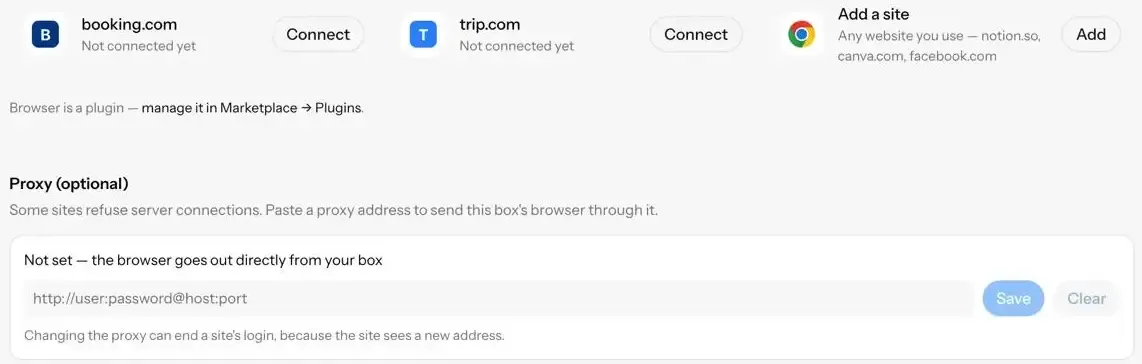
pick a tile, or use Add a site for any other website. press Connect, open the one-time link and log in there. don’t paste the link into a chat. a link preview can open it before you do.
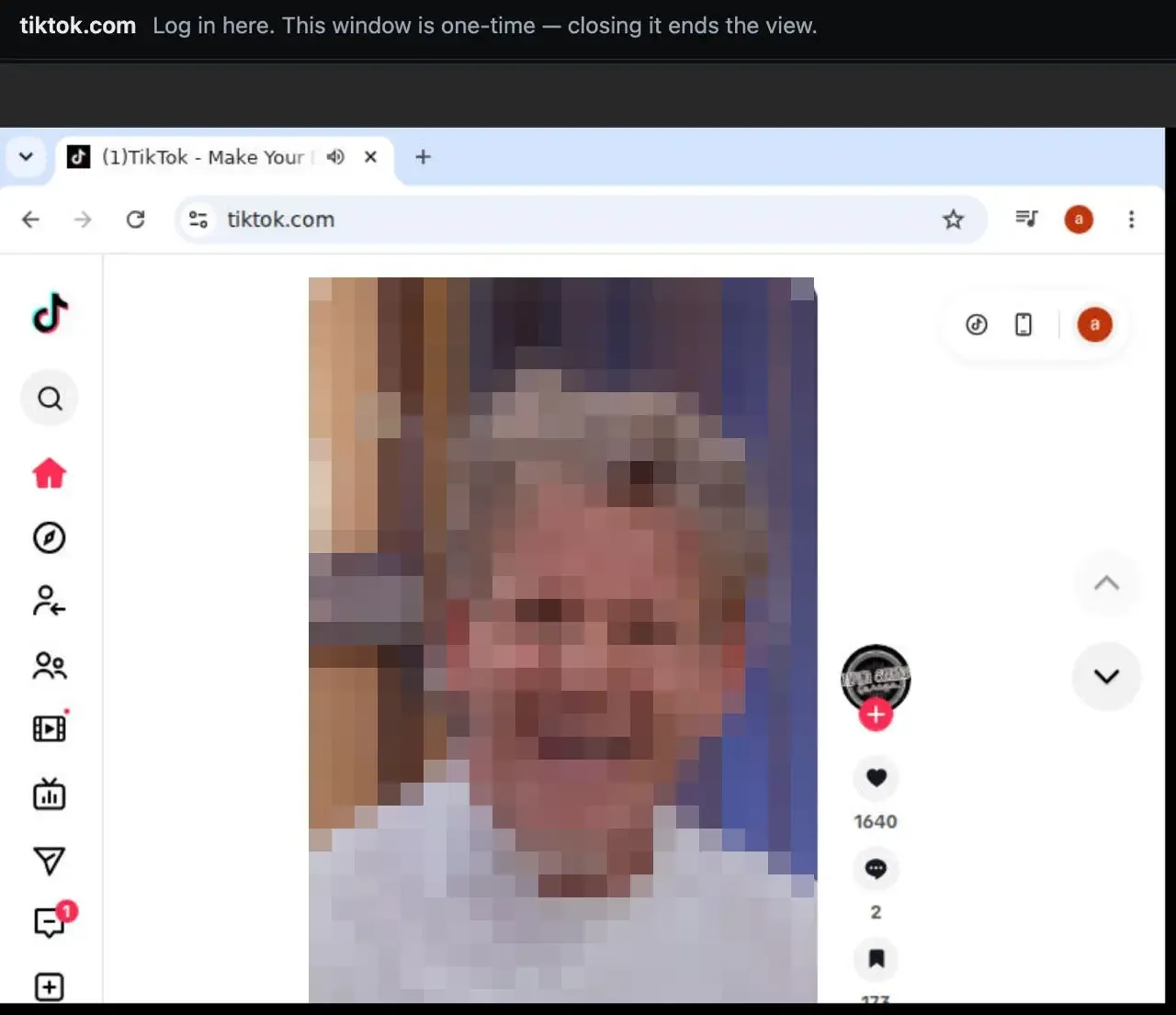
yes, that’s tiktok. your agents can doomscroll reels now.
each tile has + Account for a second login on the same site. with two accounts, the agent asks which one to use. it never guesses.
on a self-hosted Linux machine with a display, this opens Chrome for you to log in yourself:
5dive browser auth <site>a headless self-hosted box needs google-chrome-stable, xvfb, x11vnc and websockify before auth can start. it tells you which ones are missing.
what it won’t do
a CAPTCHA, two-factor prompt, unusual-activity screen or sign-in page stops the agent and asks for you. it never types your password or tries to get past a challenge.
the automatic stop reads the button’s label. a purchase behind a button labelled “Continue” won’t trigger it.
the browser runs on your box, not in Chrome on your laptop.
if a site refuses your box’s connection, send its browser through your own proxy. on 5dive.ai, paste the address under Proxy (optional) at the bottom of the Browser page. on the cli:
5dive browser proxy set http://user:pass@host:portset it before you connect the site. switching later can end that login.
try it
give your agent one web task you’d normally click through yourself. start with a public page, or connect a login when the work needs your account.
use 5dive.ai for a managed box.
use github.com/5dive-ai/5dive to self-host.