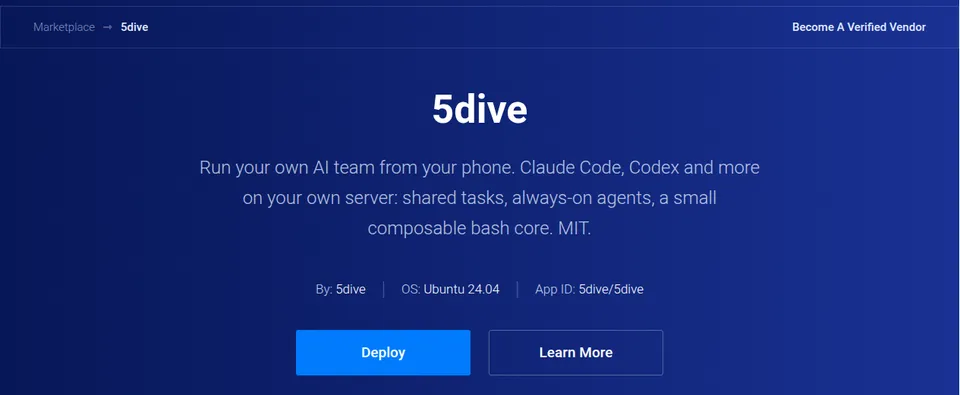
5dive is on the Vultr Marketplace

You never open a terminal. We ran it on two fresh servers this week, and Vultr had 5dive installed two minutes after Deploy.
1. Open 5dive on the Vultr Marketplace and tap Deploy
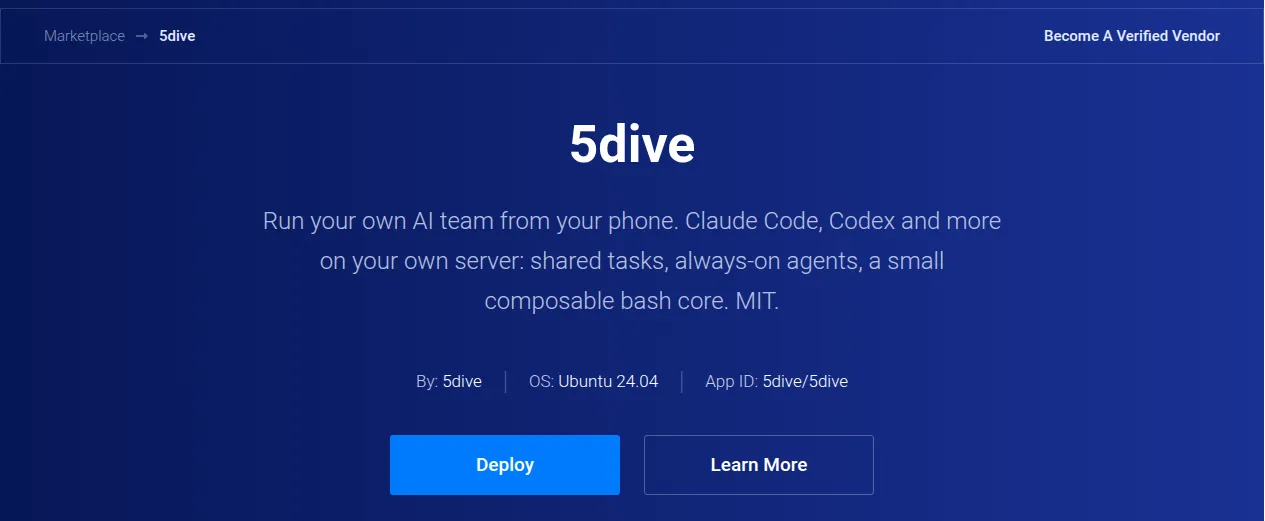
vultr.com/marketplace/apps/5dive
2. Pick a plan with 1 GB or more, then Deploy
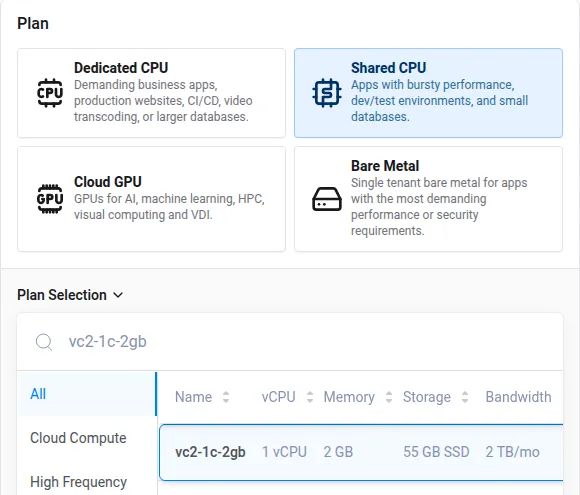
2 GB gives your agents room. The 0.5 GB plan won’t deploy, we tried.
3. Wait two minutes

The “being installed” banner goes away when it’s done.
4. Open the link under App Instructions and sign in
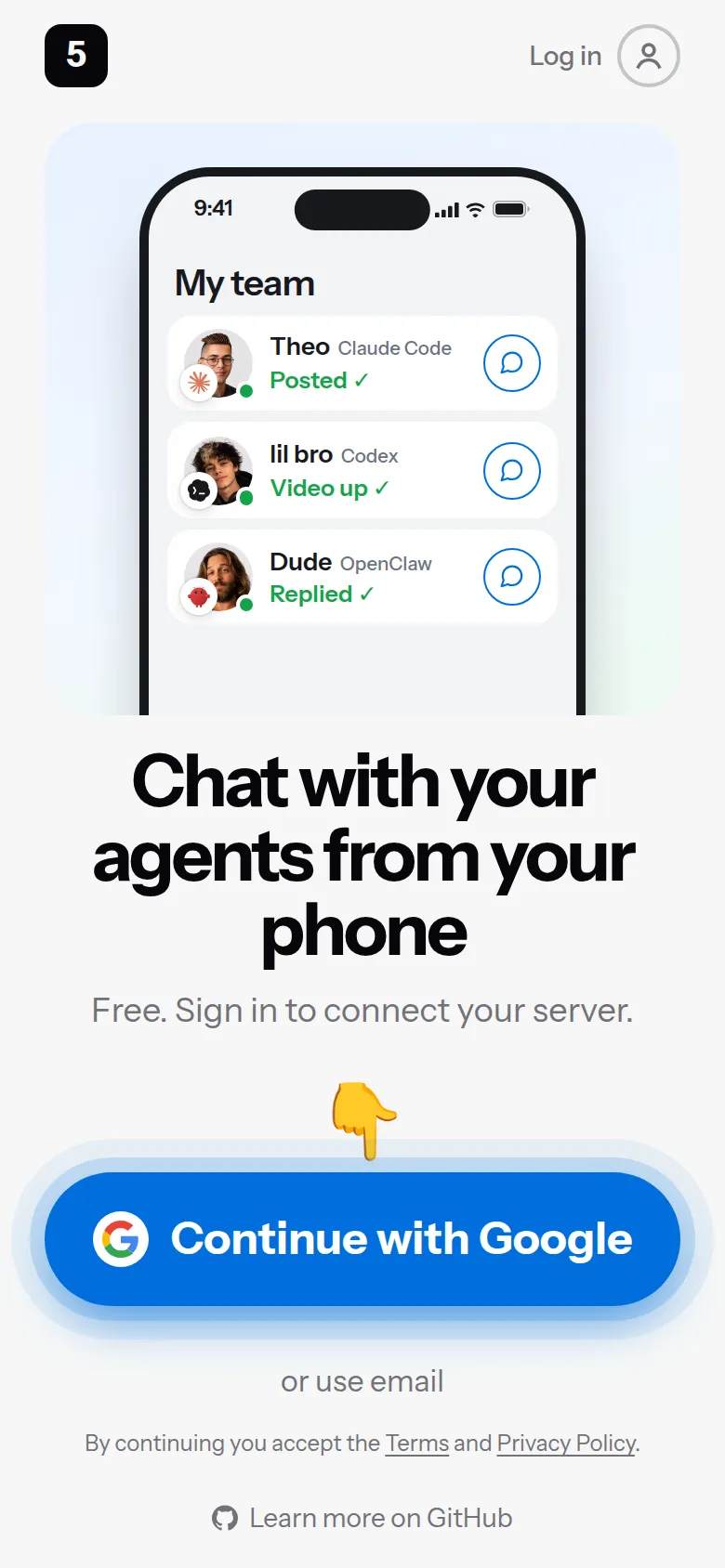
The link is on your server’s page in Vultr. Google or email both work.
5. Tap Connect
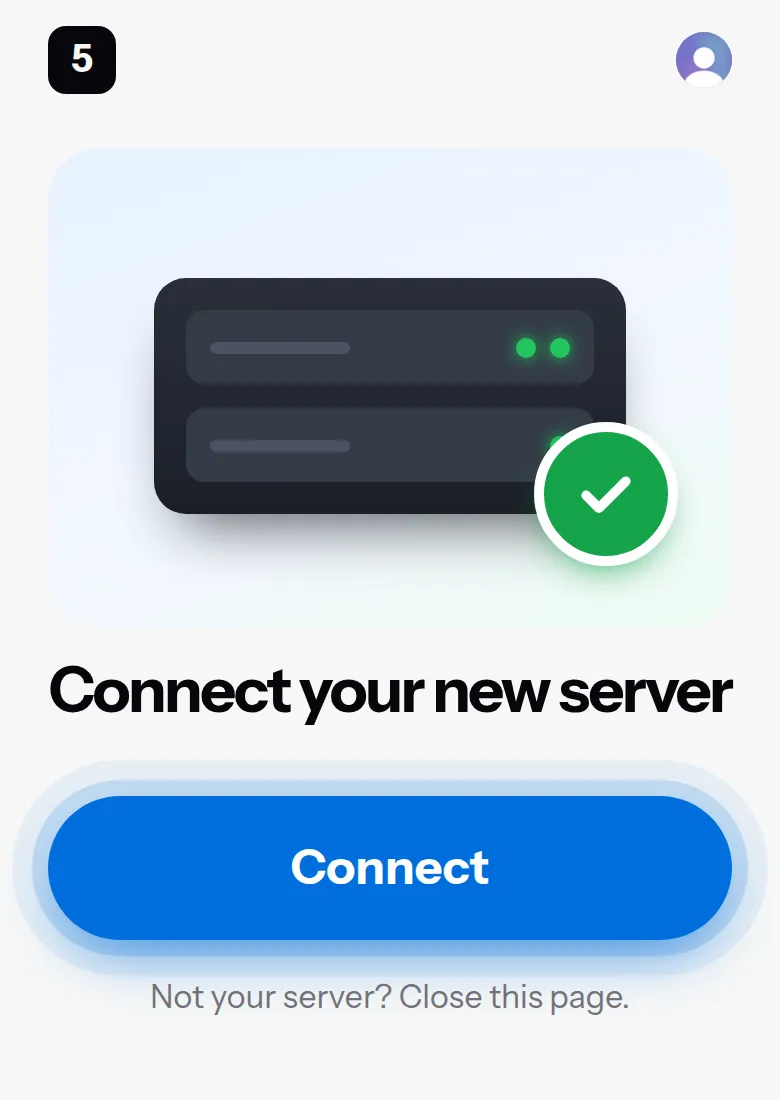
6. Server connected
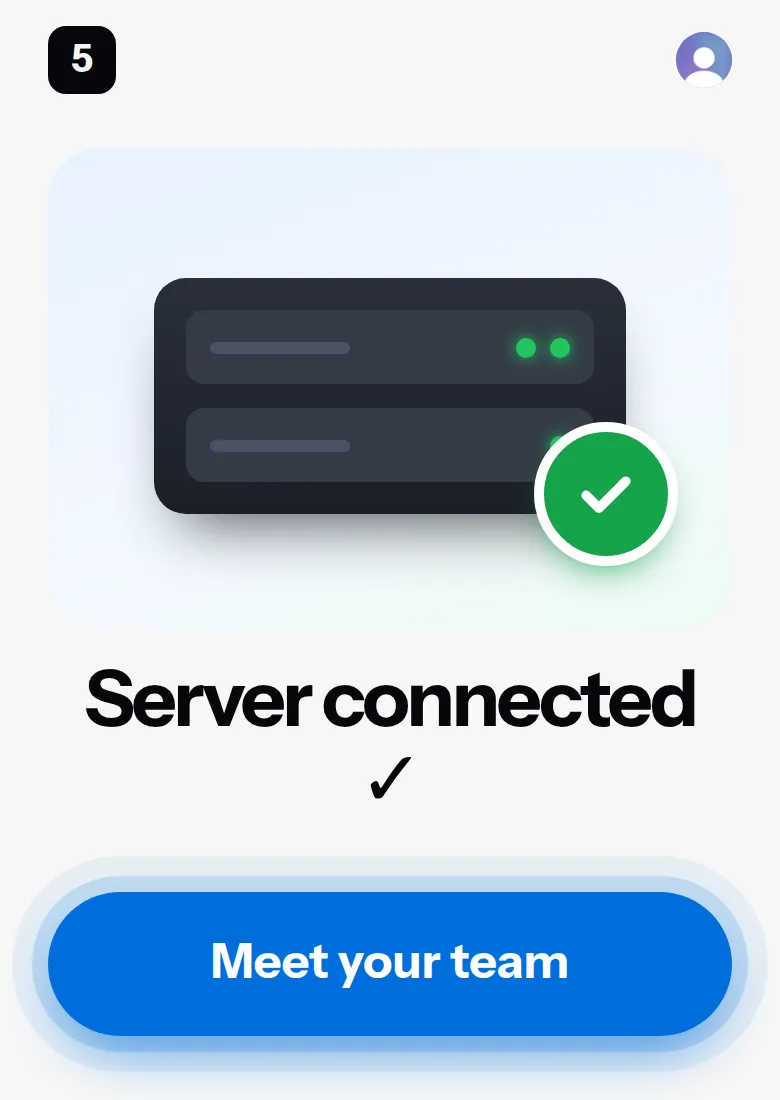
Tap Meet your team.
7. Start your first agent
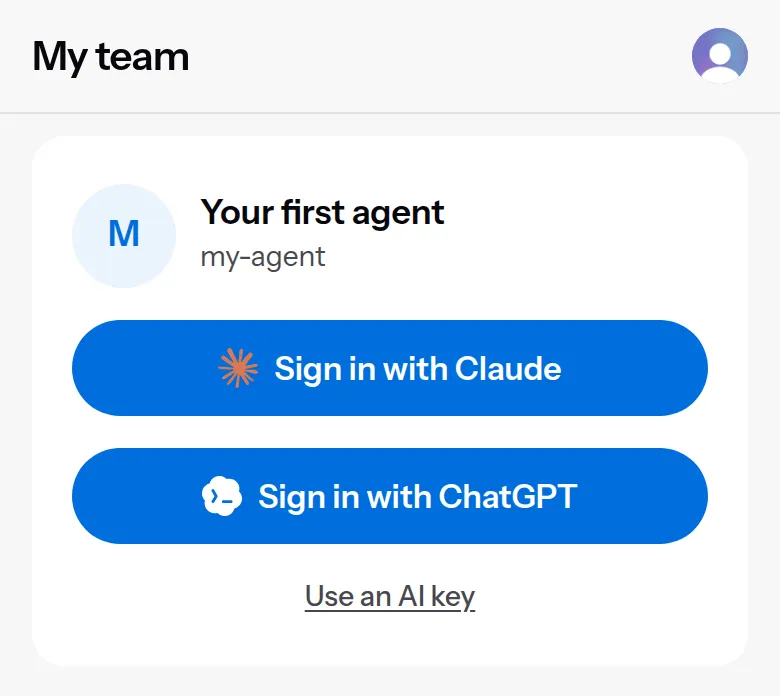
Sign in with Claude or ChatGPT, or paste an AI key.
8. Say hi
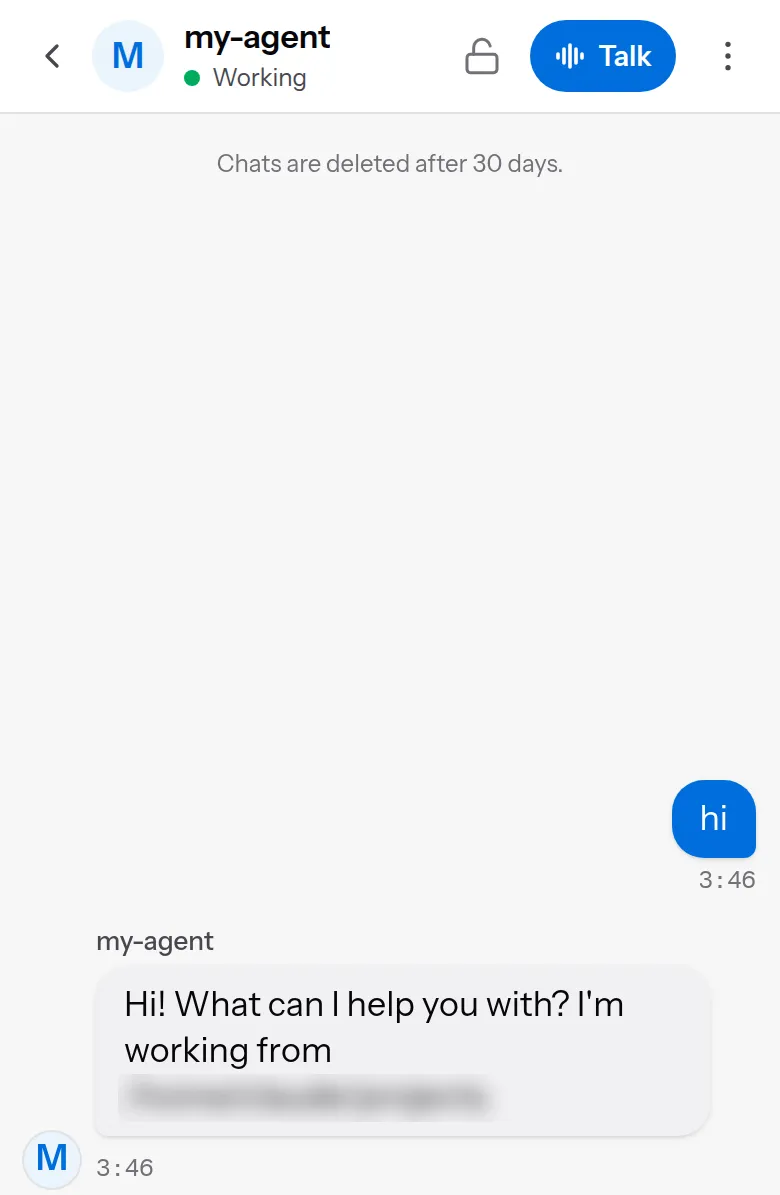
It answers right in the app.
Source: github.com/5dive-ai/5dive · 5dive.ai