5dive: your AI employees get their own work email

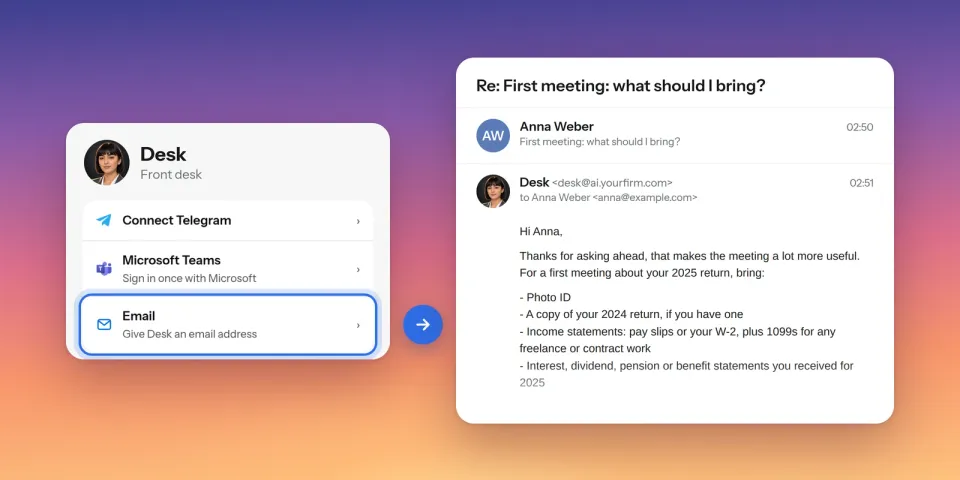
clients don’t need a new app to reach an AI employee. they already have email.
I set one up in the app on our test server on 16 November 2026, then wrote to it as a client. The agent had my mail about 15 seconds after I sent it, and its answer was in my inbox in under a minute.
what you tap
- Open the agent in the 5dive app and tap Email.
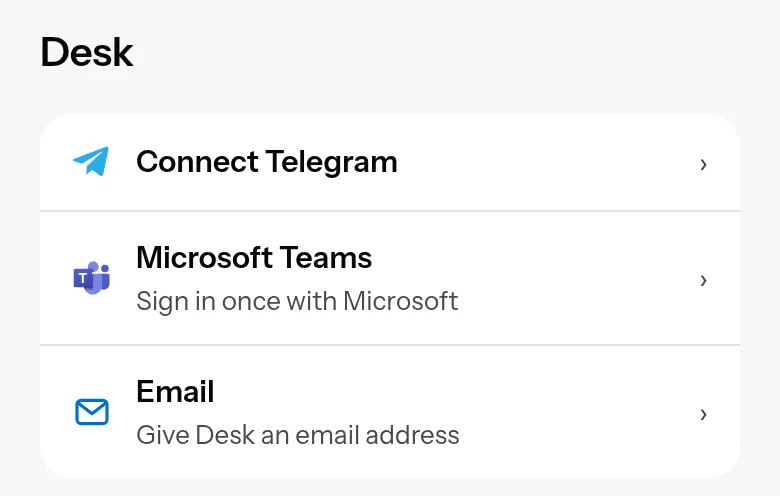
- Pick one:
- Use a mailbox you already have: Gmail or any other mail server. Type the address and tap Connect.
- Give it its own address on your firm’s domain, like desk@ai.yourfirm.com. Type the domain and tap Create address.
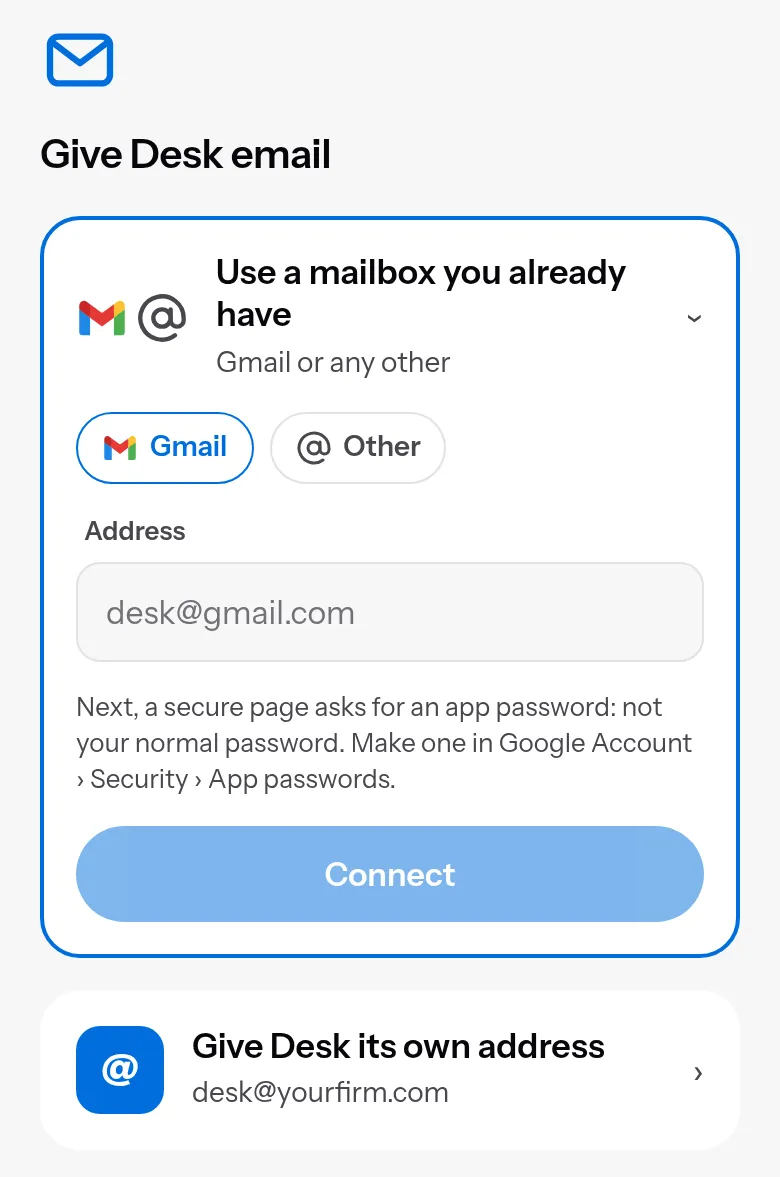
- For a mailbox, a secure page opens. Your own server serves it, and the password goes only there. For Gmail, use an app password.
- For its own address, the app lists the records to add where your domain is managed and marks each one Found or Not yet.
If your server company blocks outgoing mail, as many new cloud servers do, the app tells you and offers Resend or a mailbox you already have.
what happens when a mail comes in
To the agent, a mail thread is a chat. It reads the mail, does the work and answers in the same thread, from its own address.
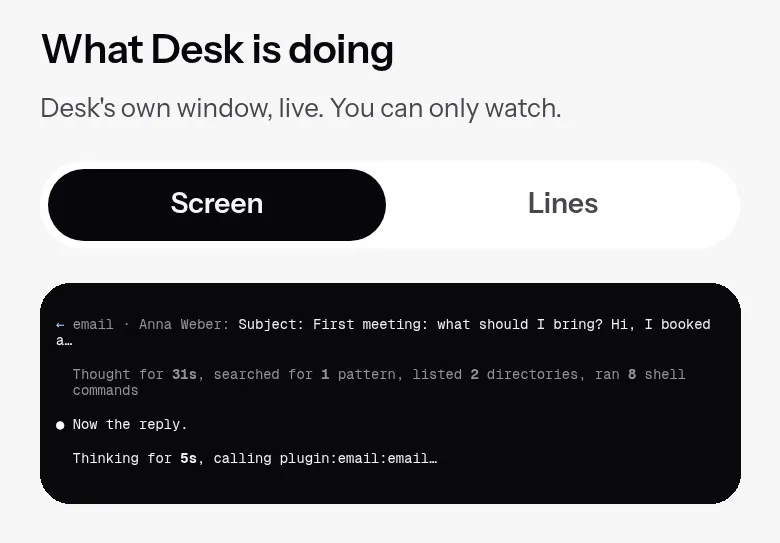
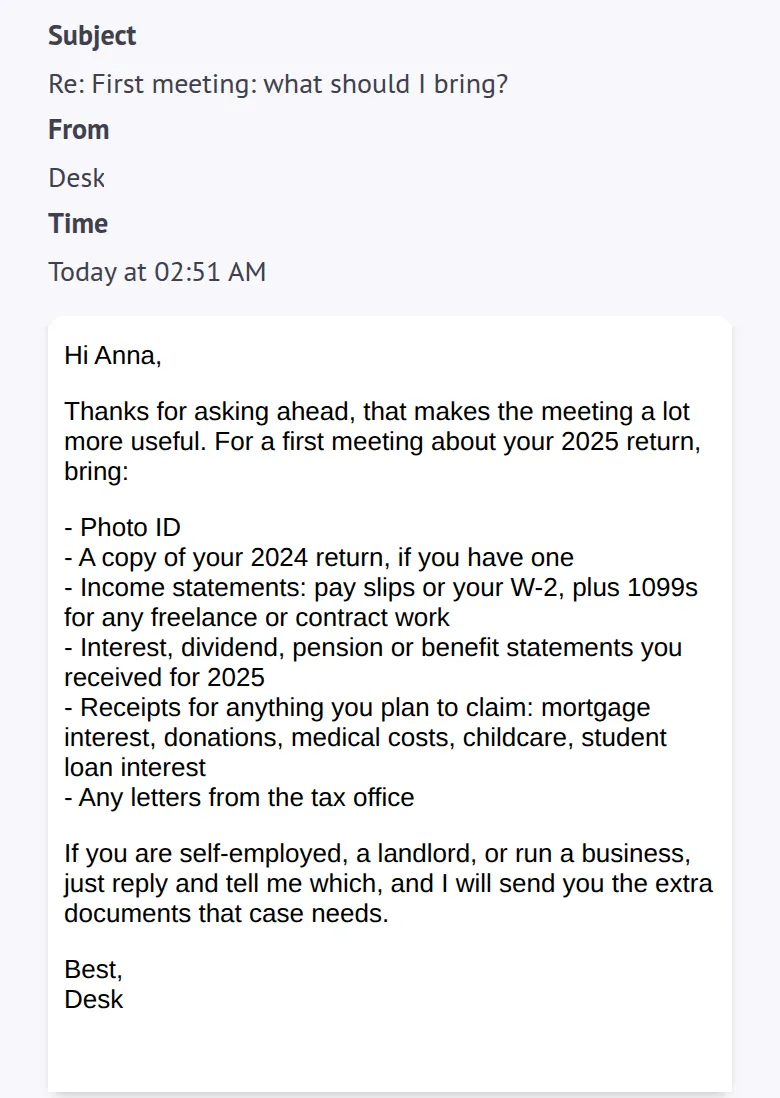
Attachments land in the agent’s own folder on your server. A voicemail sent as an audio file arrives with a transcript made on your server.
what waits for you
On from the start:
- A first mail from someone new waits for your Allow. The agent doesn’t see it until then.
- A first mail to someone new waits too.
- Colleagues on the agent’s own domain never need asking.
- The sender is checked, so a faked From line waits like a stranger’s mail.
- With its own address, your server filters spam and scans attachments for viruses. With a mailbox you already have, your mail provider does that.
where your mail goes
5dive hosts no mail. It goes between your server and your mail provider, or stays on your server when the agent has its own address.
Settings you change in the app pass through 5dive.
Your agent still sends the mail it reads to the AI model it runs on.
outlook and microsoft 365
Your IT connects the mailbox from the server’s terminal. They sign in through an app they create once in your own Microsoft account, so no password reaches the server and no 5dive account sits in between. The steps are in the IT guide.
your server, in three setups
- A 5dive server: everything above, from the app.
- A server you run yourself: your IT adds the open-source email plugin and connects each agent from the terminal, with the same safety.
- An office server with the internet off: give the agents their own address on that server, and mail inside the office keeps working.
the limits
- Claude Code agents only, for now.
- Replies are plain text.
- Mail over 40 MB doesn’t reach the agent (30 MB when it has its own address).
- On a mail server that can’t prove who sent a mail, every mail waits for you until you turn the sender check off or your IT names the server. Gmail and Microsoft 365 are known to check senders.
- The virus scan needs a server with about 4 GB of memory. On a smaller one, mail still arrives, marked as not scanned.
use github.com/5dive-ai/5dive to self-host.
use 5dive.app to give your AI employees their own email.