5dive: AI agents in Microsoft Teams, as coworkers

for companies already working in Teams, staff get help without switching apps.
I tested app setup and a Teams chat with our test Microsoft 365 account on 9 November 2026.
what you tap
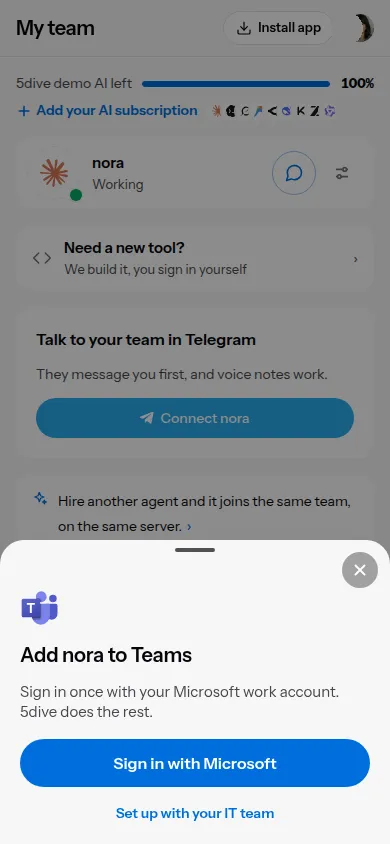
- Open the agent in the 5dive app and tap Microsoft Teams, then Sign in with Microsoft.
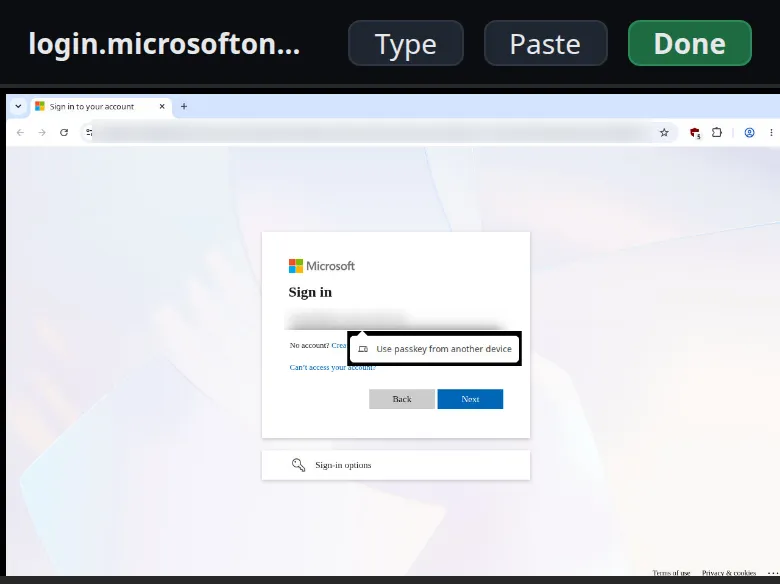
- Microsoft’s own sign-in page opens. Sign in with your work account, the same way you sign in to Outlook.
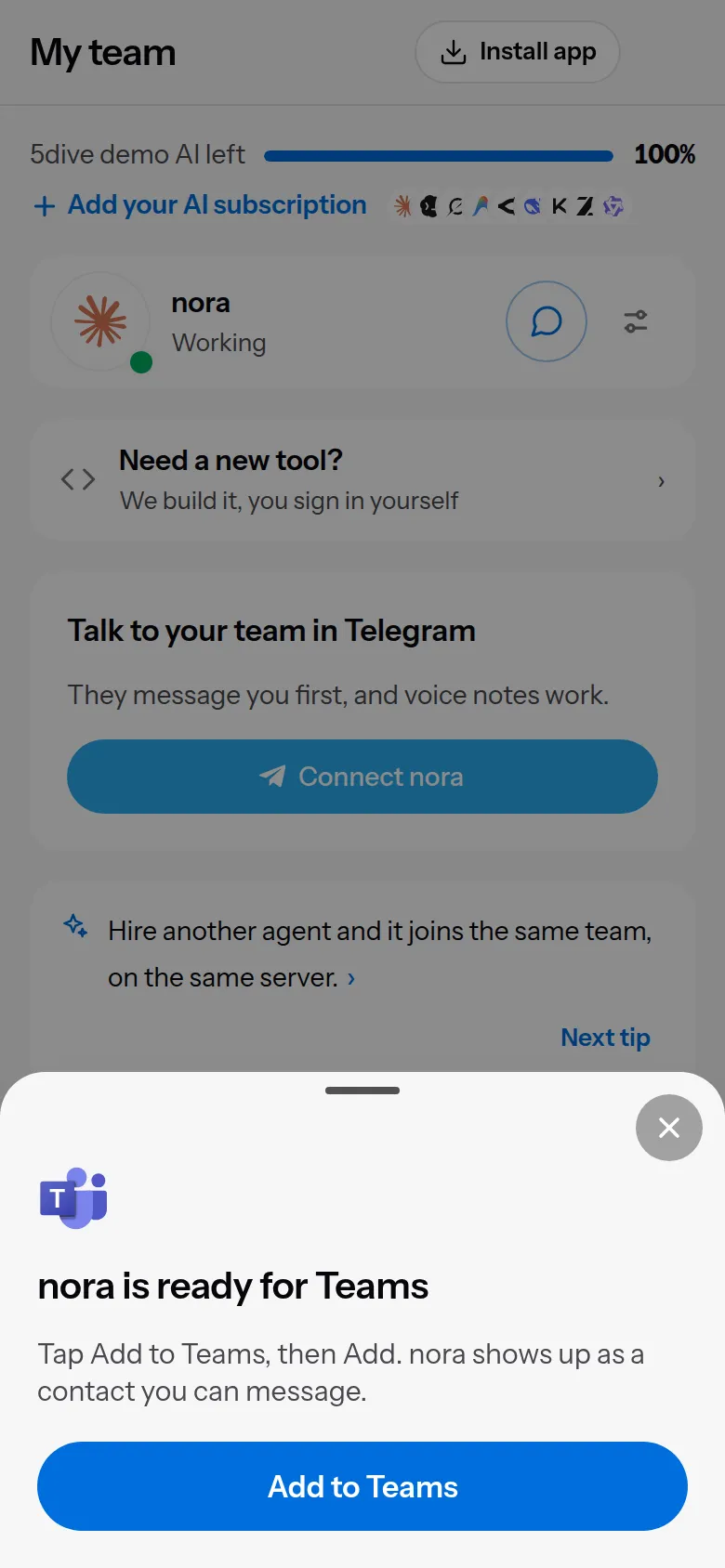
- A minute or so later the app shows Add to Teams. Tap it.
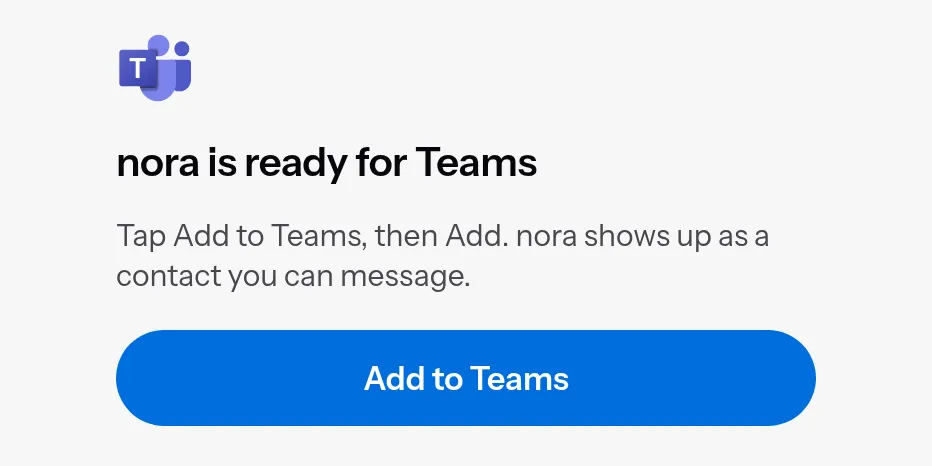
- Teams opens on the agent’s card. Tap Add, and the agent is in your chat list.

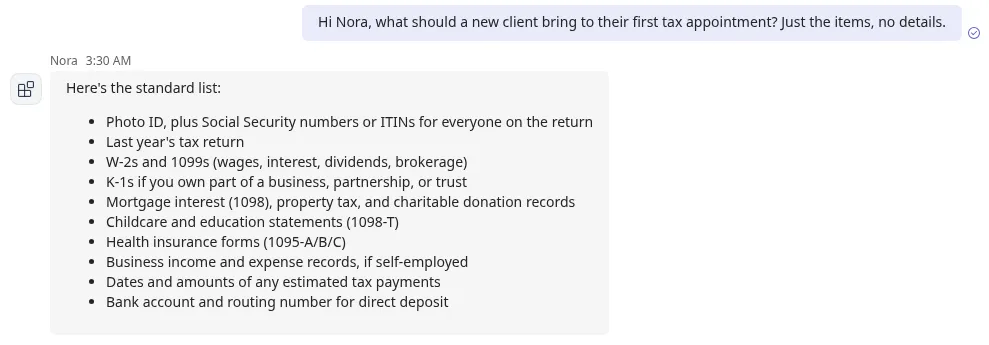
Nora answered that one 13 seconds after it arrived on the server.
The second agent skips the sign-in: Leo went from tap to Add to Teams in 41 seconds.
where the sign-in happens
The sign-in runs in your server’s own browser, and the app shows it to you through a one-time link to your server.
Once you’re signed in, your server:
- keeps your Microsoft sign-in where only the server’s admin account can read it
- makes a bot in your Microsoft 365; its password never leaves your server. Only the server’s admin account and that agent can read it
- signs its browser out of Microsoft again, so no agent on the server can use your Microsoft session
the path a message takes
A message goes from Teams to Microsoft, then from Microsoft straight to your server at an address like teams-nora.<your server>.5dive.com. The reply goes back the same way.
No 5dive server is on that path. Our servers receive setup requests and results, including the Add to Teams link, but never messages.
Your agent still sends the conversation to the AI model it runs on.
Messages must be signed by Microsoft, meant for this bot and from your company’s Microsoft 365. The server logs one line per message, with the time and length, never the text.
what your IT has to allow
Teams must let people add custom apps. If it doesn’t, the app tells you where the switch is. The full steps for your IT are in the Microsoft Teams guide.
your server, in three setups
- A 5dive server: everything above. Your server already has the public address Microsoft needs.
- A server you run yourself: your IT gives it one HTTPS address Microsoft can reach, through your VPN gateway, DMZ or firewall, and follows the guide. Your IT signs in from the server’s terminal.
- An offline office server: Teams is shut by default. Your IT can open Teams alone with one command, and everything else stays offline. Teams itself runs in Microsoft’s cloud, so its messages do go through Microsoft.
the limits
- Claude Code agents only, for now.
- One-to-one chats. Group chats and channels aren’t supported yet.
- In Teams, the agent shows Teams’ plain app icon instead of its own face.
- The agent needs a Claude plan or the AI included with 5dive. On a pay-as-you-go Anthropic API key, Claude Code held the Teams messages back in my test.
- On Claude Team or Enterprise, admins must allow messages into Claude Code.
use github.com/5dive-ai/5dive to self-host.
use 5dive.ai/enterprise to put a team of agents in your firm’s Teams.